Features
PlateLogic for restaurants & food trucks
From a busy truck window to a full dining room, keep ordering, kitchen tickets, payments and your team in one place. Start with the tools you need for your service.
- 67+
- Shipped features
- 11
- Product areas
- 8
- Staff consoles
- 0%
- Commission on direct orders
01 / 11
Guest ordering
An ordering page guests trust, with your name and your look on it.
Your own ordering page
Your full menu with photos, sizes and add-ons, ready for pickup, delivery or dining in.
Guests pick how they want it
Pickup, curbside, delivery, dine-in, a reservation or the waitlist. Whatever they choose, they land on the right screen with nothing to re-enter.
The right location every time
Guests find your closest spot by ZIP code or by letting the map find them.
Promo codes and loyalty
Run discounts with your own rules, and let regulars earn points they spend at checkout.
Reviews from real orders
Only guests who actually ordered can leave a review, and you can reply, hide or approve each one.
02 / 11
Kitchen operations
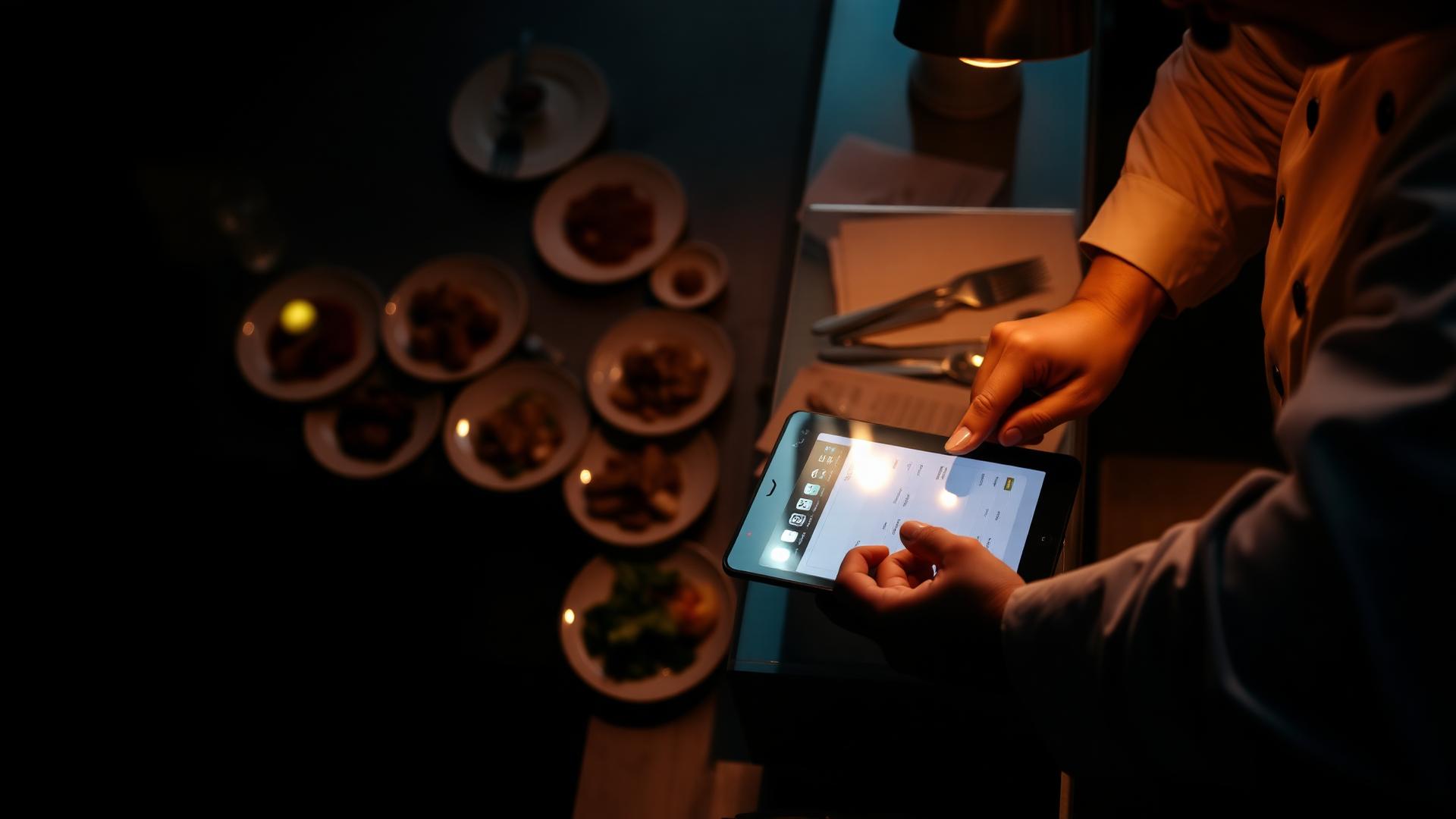
One order queue for the whole shift, on a tablet you already own.
Kitchen board on any tablet
New orders arrive with a sound, a buzz and a push alert. Confirm, cook and finish in two taps.
Send items to the right station
Grill, fry, cold line and bar each see only the items they have to make.
Alerts you control
Choose sound, buzz, email or text per location, and set quiet hours so nobody gets pinged overnight.
Cancellations and refunds
Cancel before the food is started and the card is refunded on its own. After that, a manager decides on store credit.
Numbers you can act on
See order volume, busy hours and where checkouts drop off, plus a record of who changed what.
03 / 11
Payments & receipts
Card and cash, paid into your own account.
Cards, Apple Pay and Google Pay
Guests pay the way they already do, and the money lands in your own Stripe account at your rate.
Take payment at the counter
Take payment at the counter or over the phone by card or cash. An order can't be closed out until the payment clears.
Receipts by email or printed
Guests get your branded receipt by email once the payment clears, and staff can print a slip at the counter.
No commission on direct orders
You pay one flat monthly price and your card processing. We never take a cut of the ticket.
04 / 11
Dine-in & front of house
Your floor, your waitlist and your bookings on one live screen.
Build your floor plan
Drag your tables onto the screen with names, seat counts and areas like Patio or Bar.
See every table at a glance
Open, seated, ordered, food out, check dropped, needs cleaning or reserved, updating on every device at once.
Reservations
Book a party, confirm it, seat it or mark a no-show, and the guest gets a note by email or text.
Waitlist with real wait times
Quote a wait based on what's actually happening on the floor, text guests their spot, and seat them from the same screen.
Table QR ordering
Print a code per table so guests order from their phone and the ticket already says where the food goes.
Order at check-in, hold until seated
Take the order while a party waits. The kitchen only gets it the moment they sit down.
Guests check themselves in
Send a link or code so parties check in on their own, and late no-shows clear out after your grace period.
Turn and cleaning reminders
Tables sitting too long in cleaning, or past your target turn time, show up as reminders at the host stand.
Know how each table got seated
Walk-in, waitlist or reservation is shown right on the table, with any notes saved back to that guest.
05 / 11
Service channels
Every way a guest can order, all landing in one queue.
Takeout counter screen
The front counter sees what's cooking, what's on the shelf and who has walked in, with scheduled pickups kept out of the way until they're due.
Drive-thru screen
Take, pay and hand off lane by lane, with times per car so you can see where the line backs up.
Curbside
Guests say they've arrived and which spot they're in, and the runner sees the car, the name and the order together.
Delivery with your own drivers
Hand runs to your own drivers, group nearby stops and follow each one, with DoorDash Drive there for overflow.
Delivery areas
Draw where you deliver on a map, each area with its own fee and minimum, so out-of-range addresses are turned away before checkout.
Orders for later
Guests pick a time later today or this week, and the kitchen only sees the ticket when it's time to start it.
Pause when you're slammed
Turn off delivery, pickup or the whole page for one location, with a message guests actually read.
06 / 11
Team & scheduling
Know who's on, who took the order and how long they worked.
Staff sign in with an ID and PIN
Staff enter their ID, pick their location and tap in with a PIN. No shared email or password sitting on the tablet.
Face ID and fingerprint
After the first sign-in, staff can save the device and unlock with Face ID, Touch ID or a passkey, with the PIN as backup.
Schedules and shift swaps
Build the week, copy last week, and let staff ask for swaps or drops that a manager approves.
Clock in, out and breaks
Staff clock themselves in and start paid or unpaid breaks right from the top of the screen.
Clock in only at the restaurant
Require staff to actually be at your location, on an approved device, before a clock-in counts.
Timesheets and payroll export
Weekly hours per person, every edit recorded, and a spreadsheet export for payroll.
Add staff by email
Send an invite, see who hasn't accepted, and resend it without ending up with two accounts for the same person.
Who can open what
Kitchen, expo, host, server or manager. The role decides which screens and settings a person can reach.
Live shift numbers
Tickets out, average cook time, sales per hour and who's on the clock, for the shift happening right now.
Shift suggestions (Beta)
Reads your own order history and suggests staffing and prep changes for your busiest windows.
Guided first login
New hires get walked through saving their device and getting approved, step by step.
07 / 11
Getting found
Show up when someone nearby searches for what you serve.
Menu pages built for search
Menu pages built to show up in local search, with a sitemap included.
One menu, everywhere it belongs
Publish the same menu to Google, Apple Maps, Yelp, Tripadvisor and Facebook from one place.
A page for every location
Each location gets its own About page with hours, address and directions that search engines can read.
Ask for reviews automatically
One email or text after each order goes out, so reviews come from guests who really ate your food.
Five site looks
Pick from Ember, Linen, Market, Neon or Atelier, then drop in your own colors and logo.
Check it before you publish
Preview exactly how a location will look in search results before the page goes live.
08 / 11
Bar & inventory
Drinks and stock counted as carefully as the kitchen.
Bar screen
Bartenders get their own drink queue instead of digging through food tickets.
Run out, come off the menu
When you run out of something, it comes off your online menu. If you track inventory, it happens on its own as counts drop and comes back when you restock. If you don't, one switch hides it everywhere.
Bottles and kegs
Count bottles and kegs by the pour, so stock comes down as drinks go out.
Reorder lists
Set the level you never want to drop below, see what's under it, and export the order before you call your distributor.
Suppliers
Keep vendor contacts, account numbers, lead times and minimums, with an order sheet per supplier you can email in one tap.
Scan to count
Point the camera at a barcode to jump straight to that item, or add it on the spot if it's new.
09 / 11
Multiple locations
Run one restaurant or twenty, and still know what changed.
One brand, many locations
New locations start from your main menu, then set their own prices, hours, fees and taxes.
Change everywhere at once
Push a setting to every location in one go, and undo the last bulk change just as fast.
A full history
Clock-ins, order changes, table edits, refunds and billing views, searchable by day or person and exportable.
Billing stays with the owner
Only the owner can change the plan, add locations or open the payment portal, and every look is logged.
10 / 11
Works with your till
Keep the POS you already have.
Toast, Clover and Square
Connect your own till per location and switch on only the parts you want.
Pull your menu in
Bring over categories, items, prices and options from your till. Run it again and it updates instead of duplicating.
Send orders to the till
Online and delivery-app tickets ring up on the till on their own, and a till outage never stops a guest checking out.
Delivery apps in the same queue
Uber Eats, Favor and Postmates orders show up in your kitchen board and your menu stays matched across all of them.
11 / 11
Your website
Launch your PlateLogic storefront or add ordering to the site you already have.
Add ordering to your current site
Drop your menu or the order button into the site you already have, and menu edits show up within seconds.
Use your own domain
Verify your domain once and everything points at your web address instead of ours.
Match your brand
Set the colors, font and logo, see it on a phone-sized preview, and we host the logo for you.
Readable by everyone
We warn you when a color pairing is too light to read before guests ever see it.
Try a look before you keep it
See each site style as a small preview, then open the real page before you save the change.
Help where you need it
Separate guides for owners, staff and managers, linked from the screen that raised the question.
Ready to see it on your menu?
Create your workspace, add or import your menu, and launch your ordering site when you're ready. Setup guides and product support are available along the way.